Practical Interior Design Visualization with Sweet Home 3D
Sweet Home 3D, developed by eTeks, is a free interior design and home layout software aimed at users who want to plan living spaces visually without using professional CAD tools. It allows users to draw floor plans and place furniture while viewing the result in a synchronized 3D preview. The software focuses on accessibility and clarity, making interior planning approachable for homeowners, students, and hobbyists rather than professional designers.
Top Recommended Alternative

Designed for intuitive floor planning
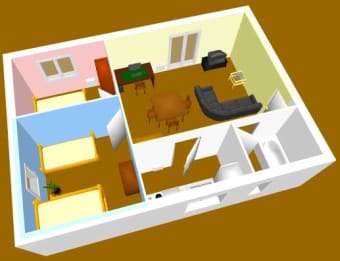
Sweet Home 3D centers on creating 2D floor plans using walls, rooms, doors, and windows, with measurements handled at a practical home-planning level. Furniture and objects can be placed, resized, and repositioned easily, which supports quick layout experimentation. The interface favors clarity over depth, making it approachable for beginners, although users looking for advanced architectural detailing or construction-grade precision encounter clear limitations.
Understanding space through live 3D visualization
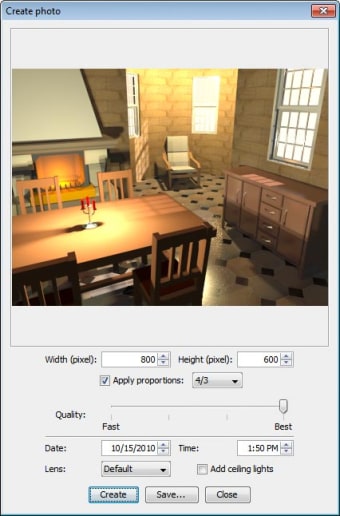
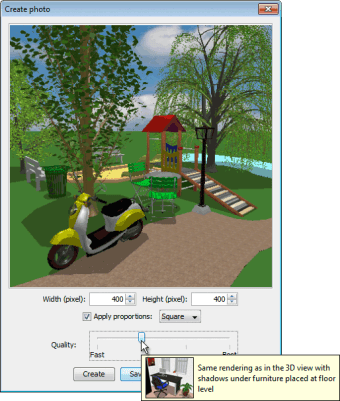
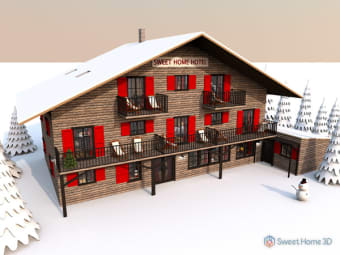
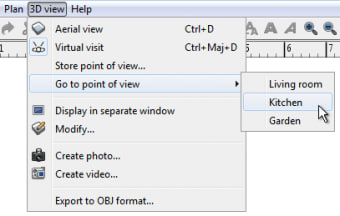
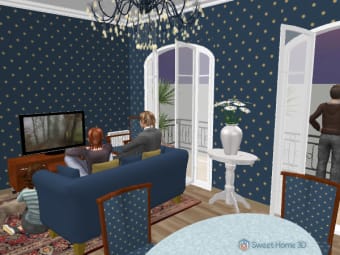
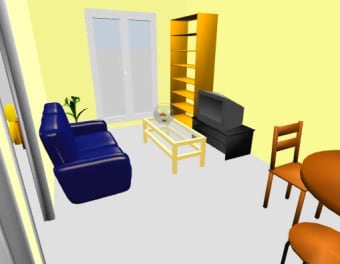
A defining feature of Sweet Home 3D is its real-time 3D visualization, which updates automatically as changes are made in the 2D plan. Users can navigate the virtual space to better understand scale, spacing, and furniture placement, which helps avoid common layout mistakes. Rendering quality remains basic and functional rather than realistic, which suits planning purposes but falls short for users expecting high-end visuals or photorealistic results.
Accessible tool with practical limits
Sweet Home 3D accommodates a wide range of skill levels by focusing on essential interior design tasks rather than complex modeling. Its furniture catalog and texture support make it useful for conceptual planning, yet performance can slow down with very large or heavily detailed layouts. The interface also feels utilitarian compared to modern design software, which may affect long-term comfort for frequent users.
Clear scope for home layout planning
Sweet Home 3D offers a straightforward and effective way to visualize home interiors and furniture arrangements. Its strengths lie in ease of use, live 2D-to-3D feedback, and suitability for personal projects. At the same time, its limited rendering quality and lack of professional-grade tools define clear boundaries. It works best as a home planning and visualization tool, not as a replacement for advanced architectural software.








.png)